Every way to play
Torpedo keeps the classic sea battle intact: a 10 by 10 grid, two hidden fleets, hit, miss and sunk. Around it: more ways to find an opponent than a kitchen table allows, and every rule variant people actually play.

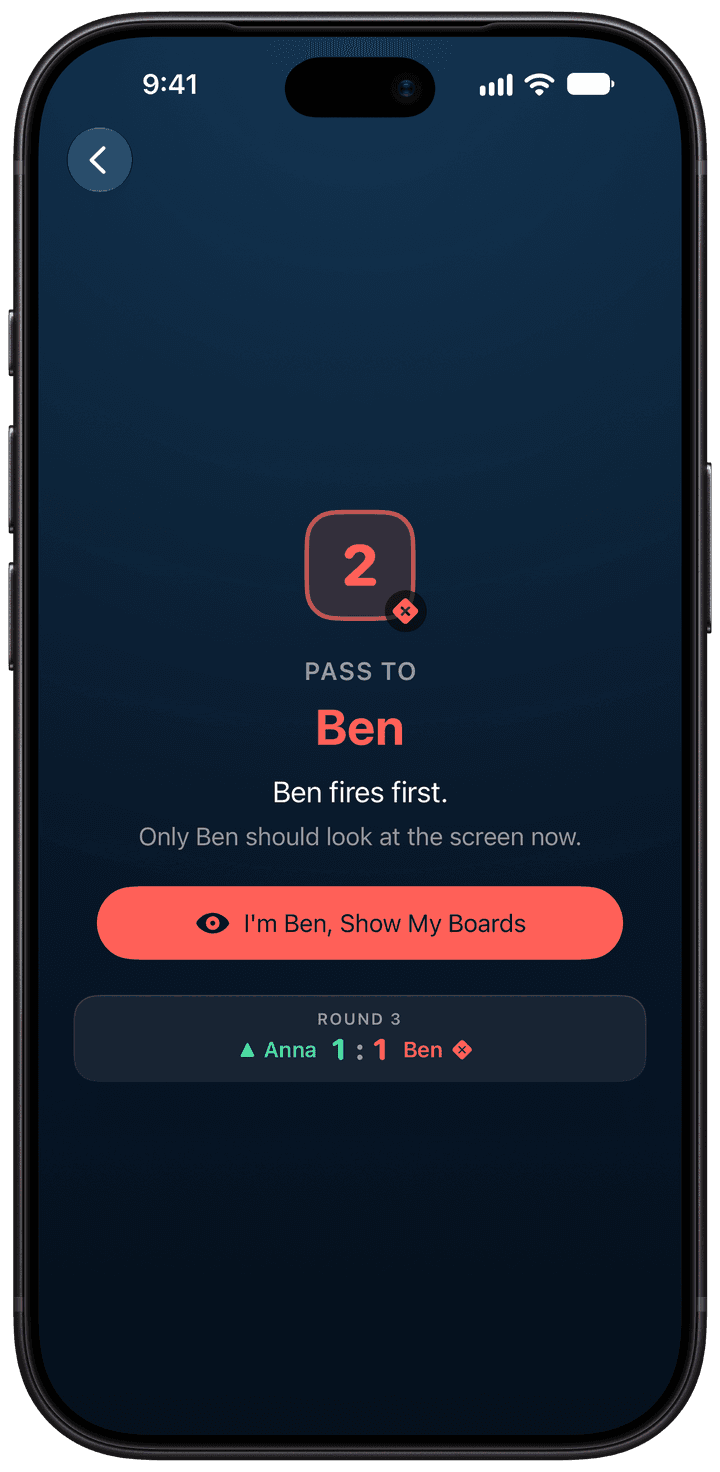
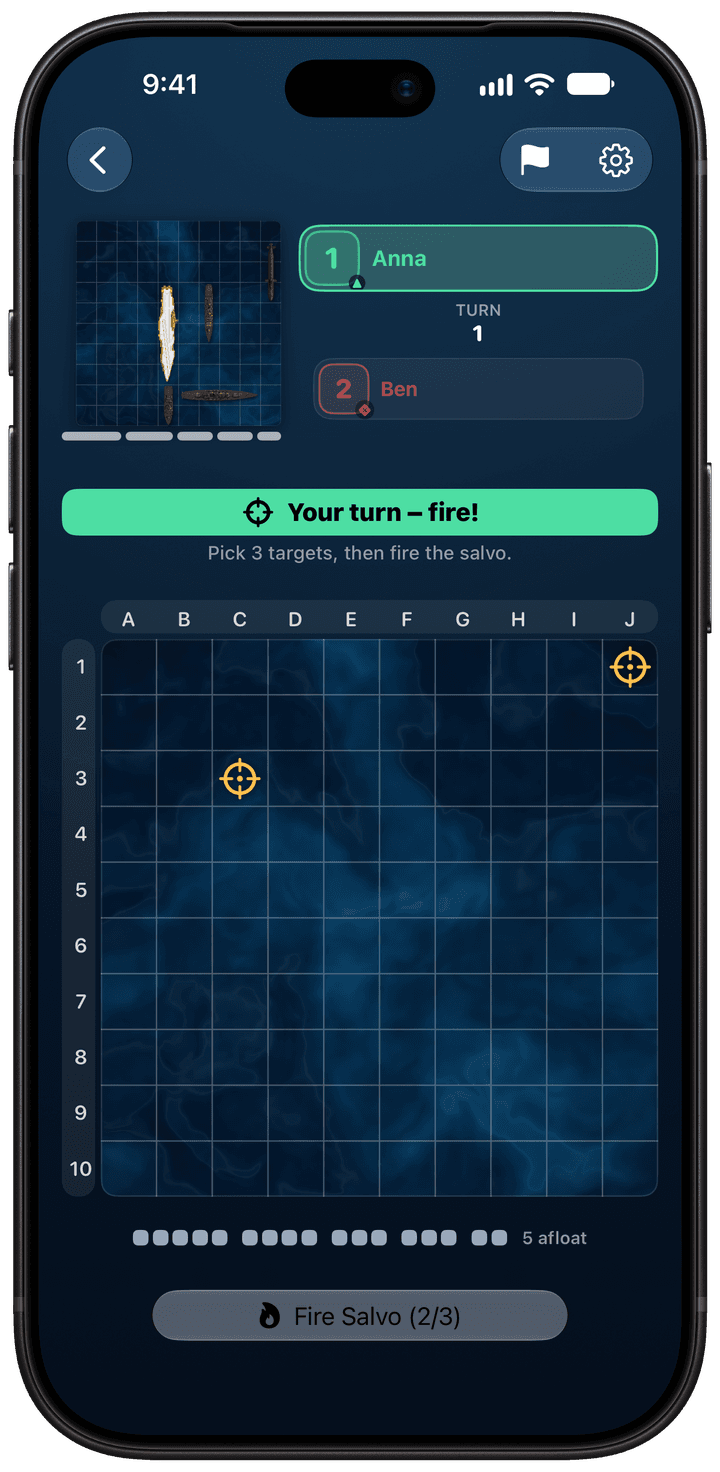
Two players, one phone
The way the game was always played: across a table. Each player places a fleet in private, then the phone goes back and forth. Between turns a handoff screen covers the board and names who should look next, so nobody gets a glimpse of the other fleet.
Every rule works in pass and play, including secret Salvo rounds where both players pick their shots before either result is revealed. No internet, no accounts.
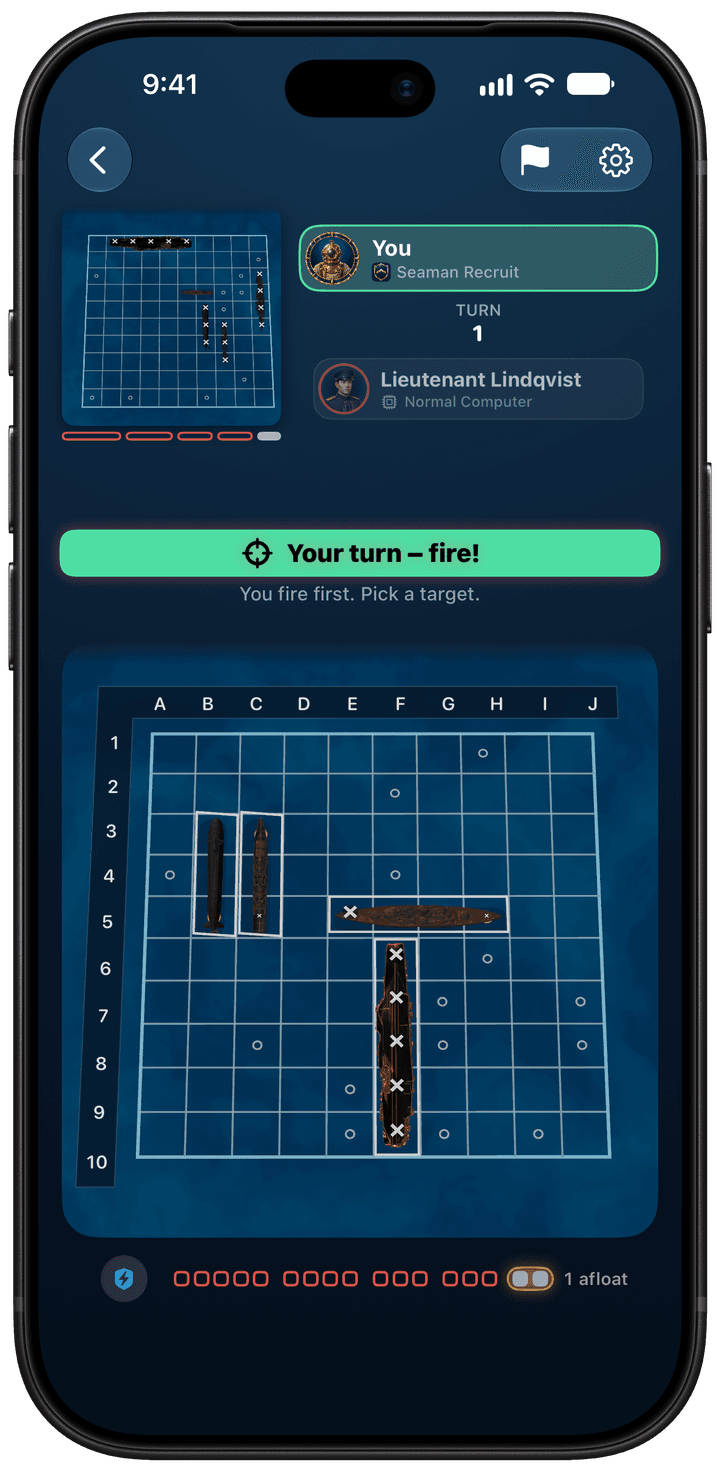
Against the computer, offline
Five levels, all playable offline. The computer aims from what any human opponent knows: hits, misses and sunk ships. It never reads where your ships are.
| Beginner | Learning the ropes: fires at random and often lets a damaged ship slip away. |
|---|---|
| Easy | Mostly fires at random. |
| Normal | After a hit, works methodically around the ship. |
| Hard | Weighs every possible ship position and rarely wastes a shot. |
| Expert | Like Hard, and remembers where you tend to hide your fleet in past games. |
Want to see how much a smarter search matters? Our strategy guide simulates these levels over thousands of games.
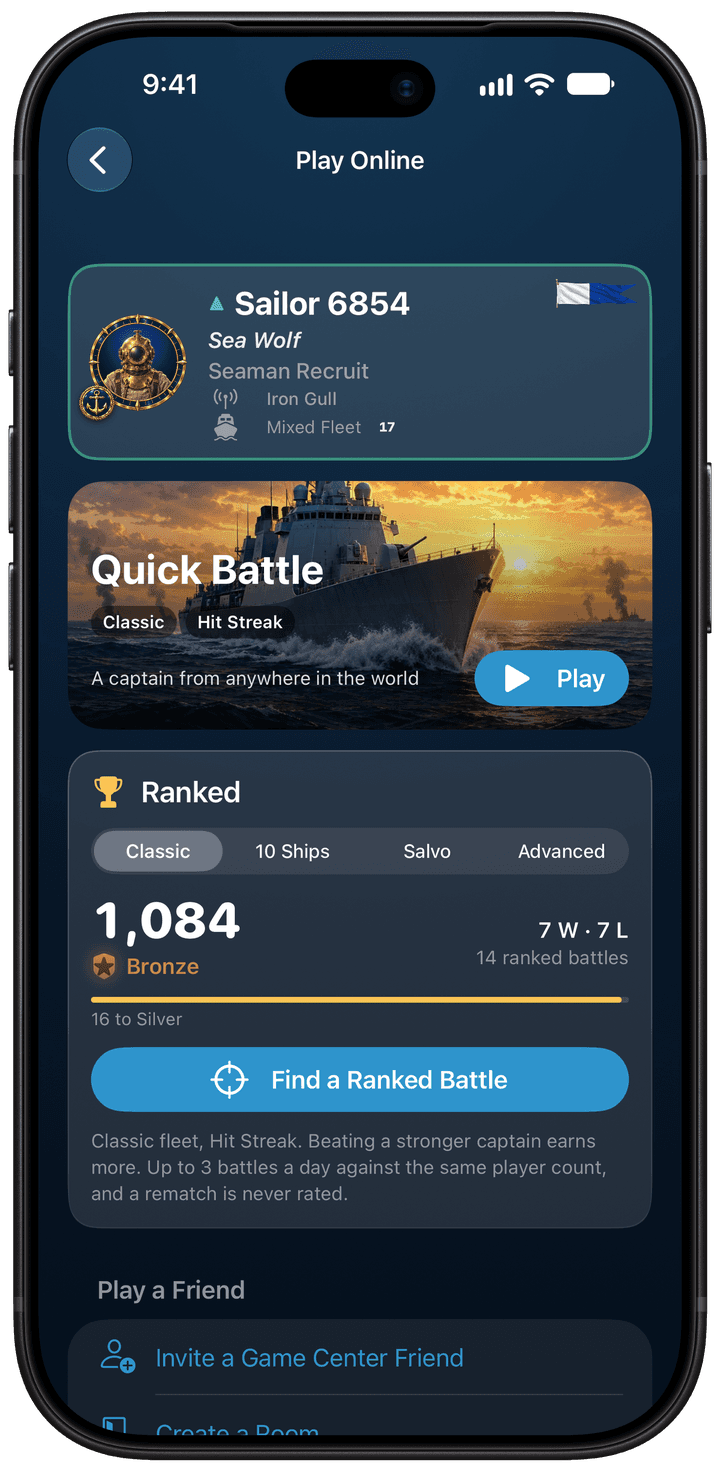
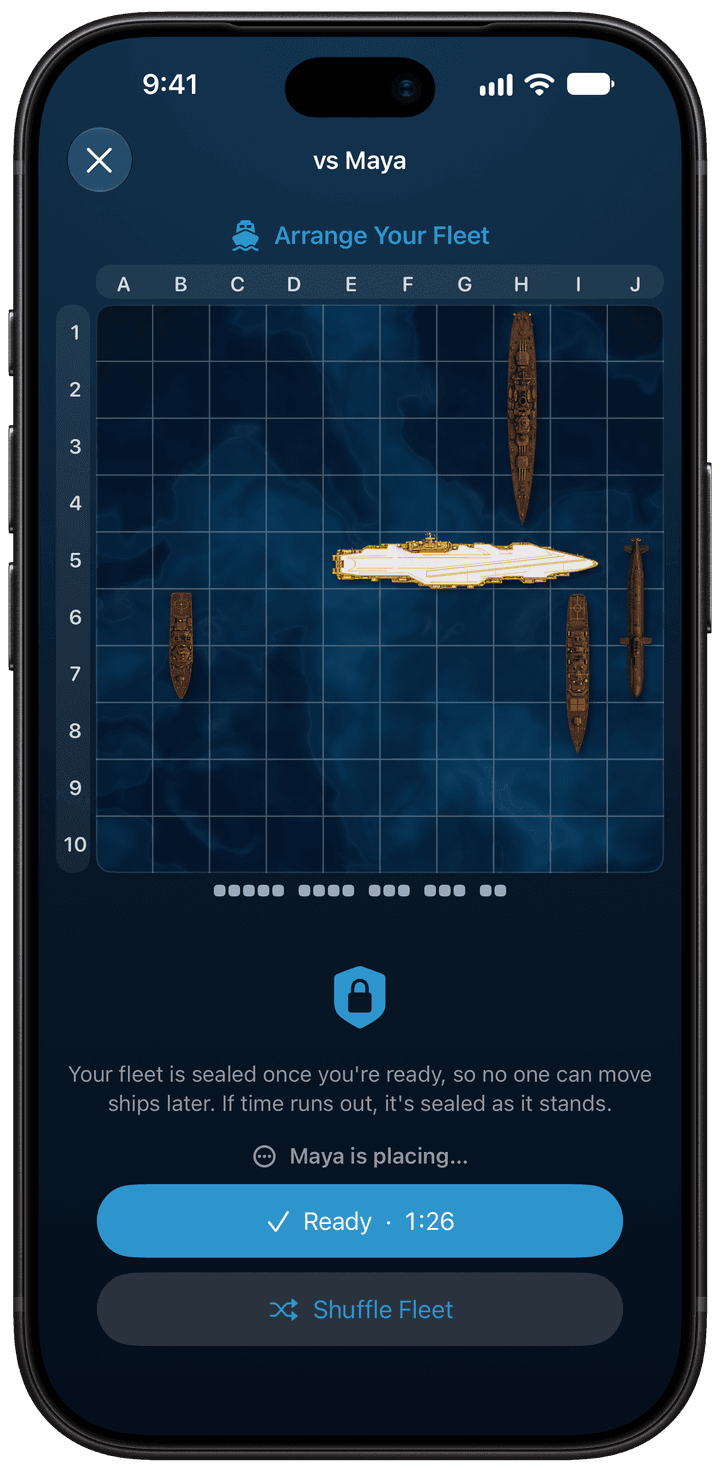
Online, ranked and by turns
Real-time battles through Game Center: a quick battle, ranked play with a rating across Classic, 10 Ships, Salvo and Advanced rules, a friend invite, or a room code you share.
Battles by turns fit a busy day: three shots a turn, and Game Center tells you when it’s your move. A Live Activity keeps the battle on your Lock Screen and in the Dynamic Island.
- Fleets are sealed before the first shot and checked at the end, so cheating is caught.
- Nothing you can buy helps you against another player.
SharePlay and Nearby
Over FaceTime
Start a battle with SharePlay during a FaceTime or Messages call. Everyone else on the call watches live and cheers, and the winner stays on for the next challenger.
In the same room
Nearby connects two iPhones or iPads over Wi-Fi, peer to peer. No internet, no account: good for trains, planes and cabins.
On iPhone Duo
Stand it half open for a tabletop battle, or open it like a book with one board per half. More on iPhone Duo.
Something to play for
- The Admiral’s Campaign: 30 star-rated missions against 15 named captains.
- Daily Challenge: the same hidden fleet for everyone, and a new rule every week.
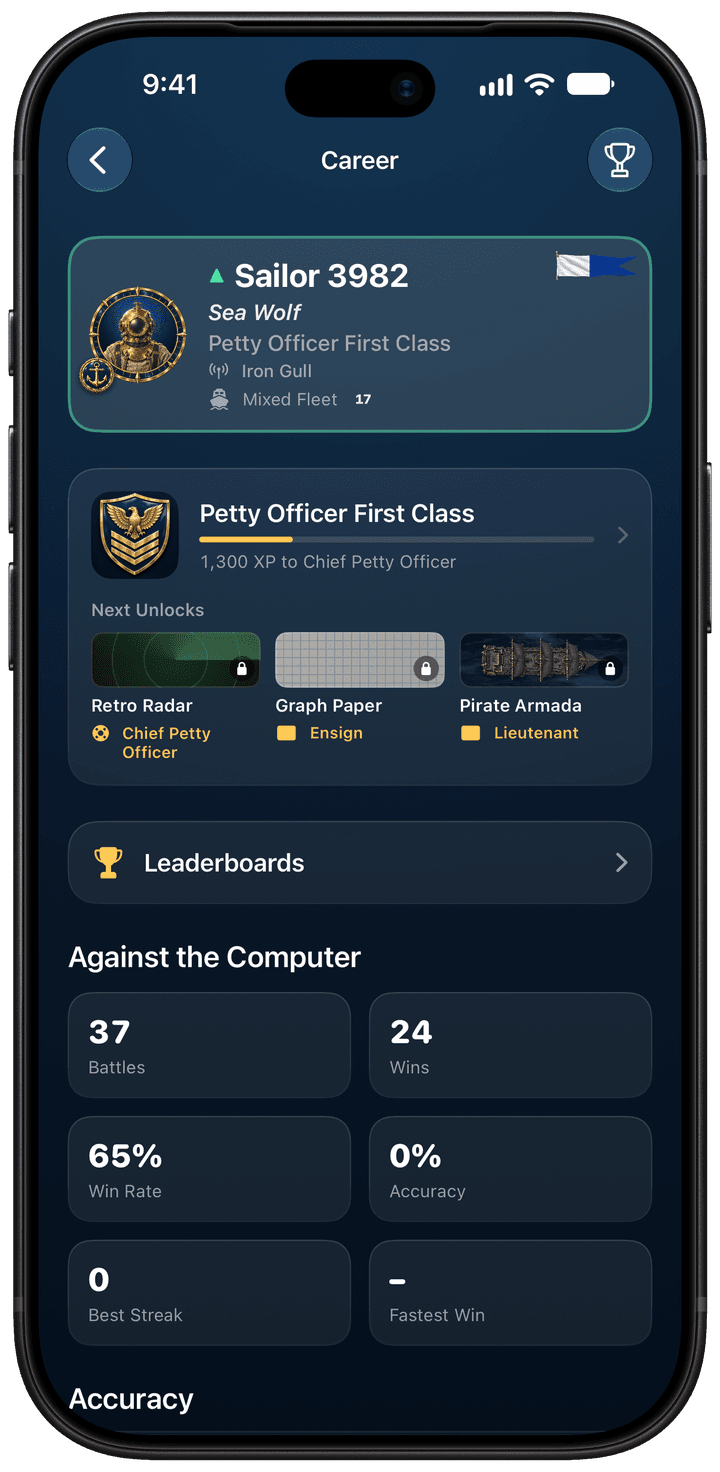
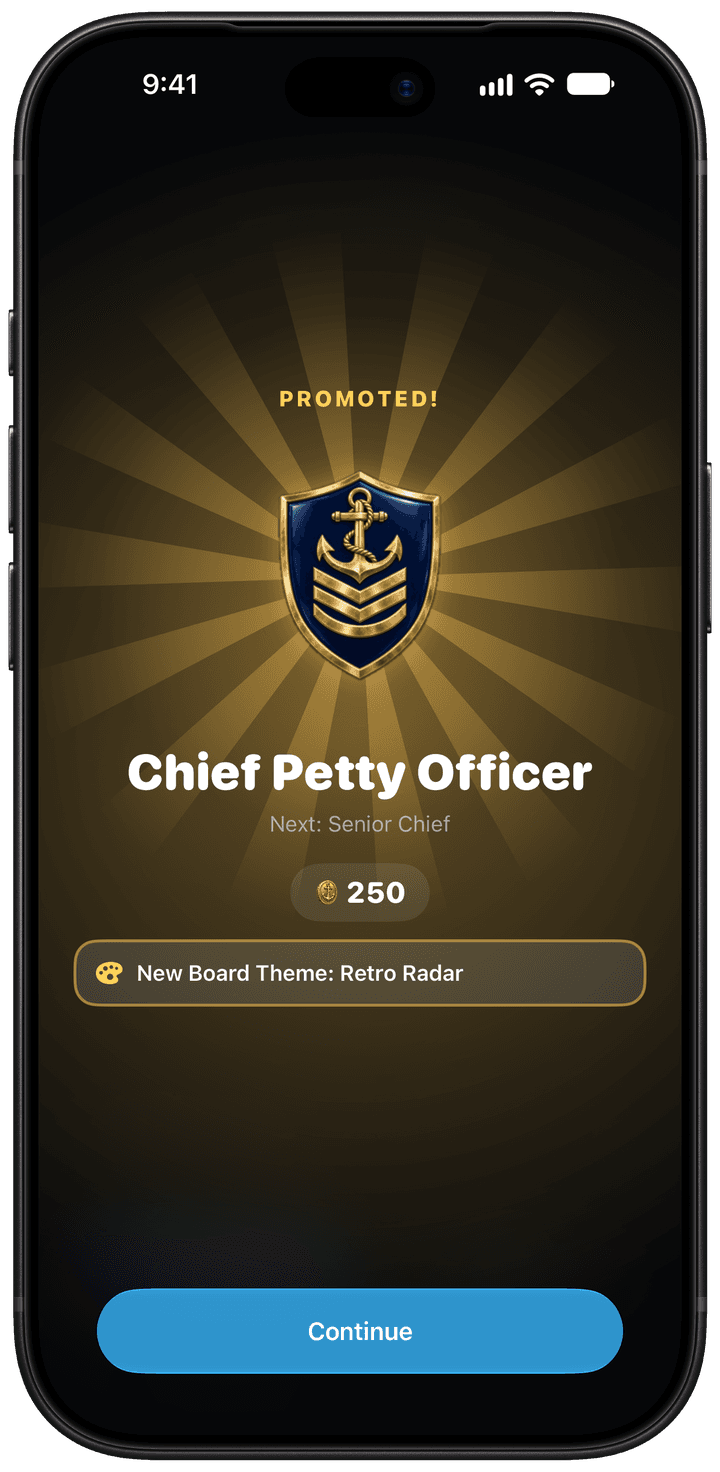
- 20 naval ranks from Seaman Recruit to Fleet Admiral, and 59 medals.
- Game Center: 12 leaderboards and 63 achievements.
- Fleet Pass seasons, limited-time events, daily and weekly missions, and full battle replays.
- 10 board themes, fleets, avatars and frames to collect.
Accessibility
A grid game should work for everyone who wants to play it, including players who navigate by sound or switch.
- VoiceOver
- Every square is labelled, and ships are placed with VoiceOver actions.
- High contrast
- A high-contrast board marks hits and misses with distinct shapes, not only color.
- Dynamic Type
- Text follows your Dynamic Type size.
- Reduce Motion
- Animations calm down when Reduce Motion is on.
- Switch Control
- Play with Switch Control.
- Languages
- 30 languages.
Built for Apple devices
The parts of iOS that make a board game better, used where they help.
- Look and feel
- A living 3D sea with rolling waves, and a clean, glass-like design that fits right in on your iPhone and iPad.
- Feel and sound
- A buzz you feel with every hit, music that builds with the battle, and a naval announcer.
- Widgets
- Your Daily Challenge streak and Fleet Pass on the Home Screen and Lock Screen.
- Siri and Shortcuts
- Start a battle or the Daily Challenge by voice.
- iCloud
- Progress stays in step on all your devices.
- iPad
- Play the computer with a keyboard or a game controller.
Free to play, honestly
Every mode is free. The game shows ads, which Remove Ads or the Admiral Club subscription turns off. Pearls buy cosmetics, the Fleet Pass and boosters that only work against the computer and never count on leaderboards. The Admiral Club (weekly, monthly or yearly, renewing until you cancel in your Apple Account settings) removes ads and includes Pearls and the Fleet Pass.